 Pro
ProTeam Features
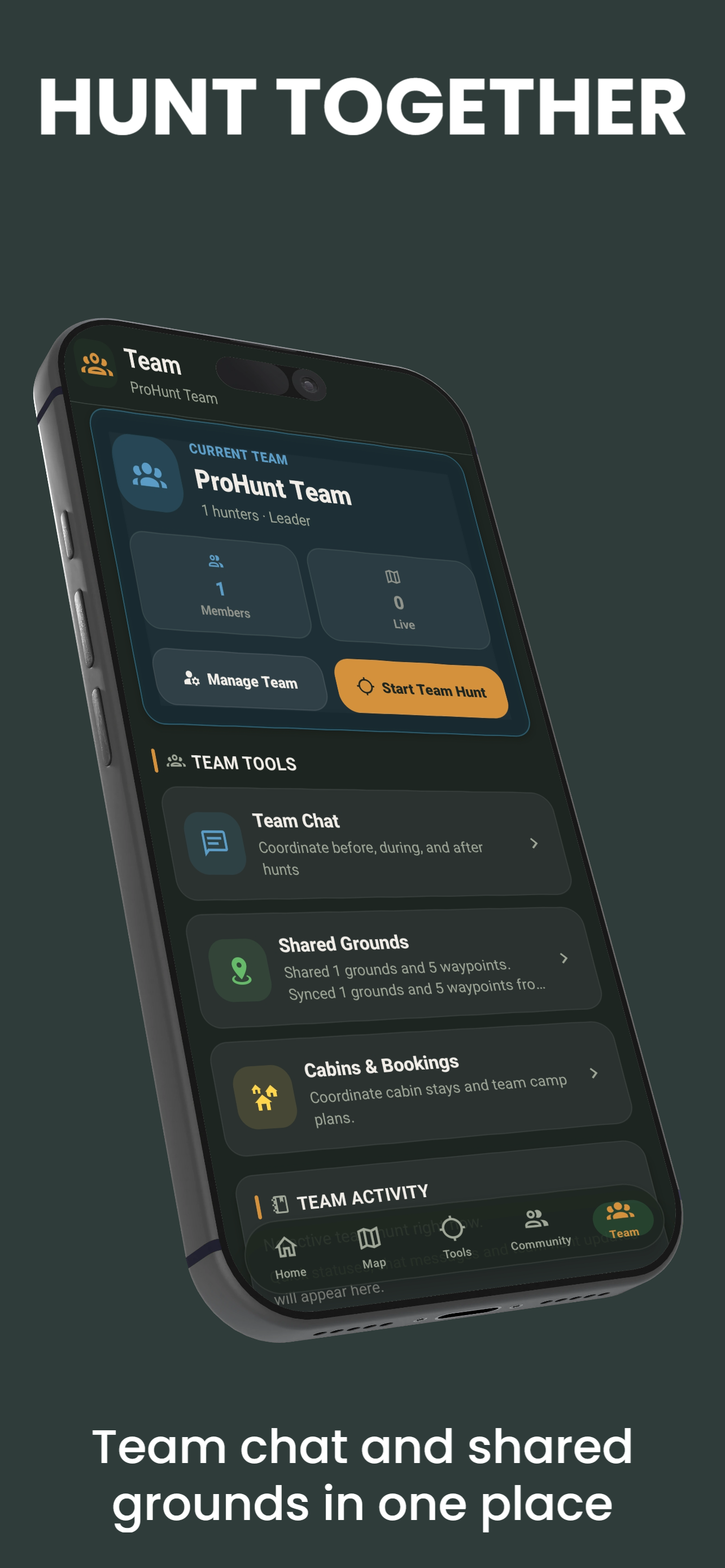
ProHunt’s team features support hunting groups of up to 20 members. Beyond real-time GPS tracking, team tools cover planning, communication, and cabin and stand booking — all in the same app. All team features require Pro.
Team Membership
A ProHunt team has a team leader and up to 20 members in total. Members join using the team’s invite code — a 6-character code that never expires and can be regenerated by the team leader at any time.
All team features require Pro. The team leader manages the team and shared hunting grounds, and can create cabins and stands for members to book.
Shared Hunting Grounds
The team leader can designate shared hunting grounds — properties your team hunts together. This creates a shared map layer visible to all team members containing:
- Shared waypoints (stands, feeders, gates, trails) accessible by all members
- Drawn property boundaries showing where you have permission to hunt
- Restricted zones (marked red) that members should avoid
- Shared notes and observations added by any team member
Team Planning and Drive Coordination
The team leader can create shared hunt plans assigned to specific dates. A plan includes:
- Stand assignments for each member (drop a waypoint + assign a name)
- Drive routes drawn on the map
- Entry and exit times
- Shared safety notes for the day
When a plan is published to the team, every member receives the waypoints and map annotations on their device automatically — no manual entry required.
Cabin and Stand Booking
For camps and shared properties, the team leader can create cabins and stands that members book in advance from the app. This keeps camp logistics organised so everyone knows which cabin they are staying in and which stand they are assigned before the hunt.
- The team leader creates the available cabins and stands.
- Members reserve a cabin or stand ahead of time.
- Bookings are visible to the team so there is no double-booking on hunt day.
Team Communication
ProHunt includes an in-app team chat channel. Messages are stored and visible to all members, making it better than a group text for hunt coordination because:
- Messages appear in context with the map — you can share a map location directly into the chat
- New members who join mid-season can scroll back to see decisions and context
- Chat is visible on any device regardless of phone carrier or number
Post the day's stand assignments in team chat the evening before. This eliminates the parking lot debate about who hunts where and ensures everyone knows the plan before they leave their vehicles.
Frequently Asked Questions
- Do team members need Pro?
- Yes. Team features — the team map with live teammate positions, chat, shared waypoints and annotations, and cabin and stand booking — are Pro-only. Free users have the base map only.
- How do members join a team?
- Members join with the team’s 6-character invite code, which never expires and can be regenerated by the team leader at any time.
- How do I remove a member from a team?
- The team leader can remove a member from the team settings. A removed member loses access to the shared team waypoints, plans, and team map.
Related Features
- Team Tracking — real-time GPS sharing
- SOS and Safety — send your location to a chosen contact
- Hunt Planning — create and share hunt plans
- Hunt Journal — individual and team harvest logs
- Guide: Hunting With a Team